
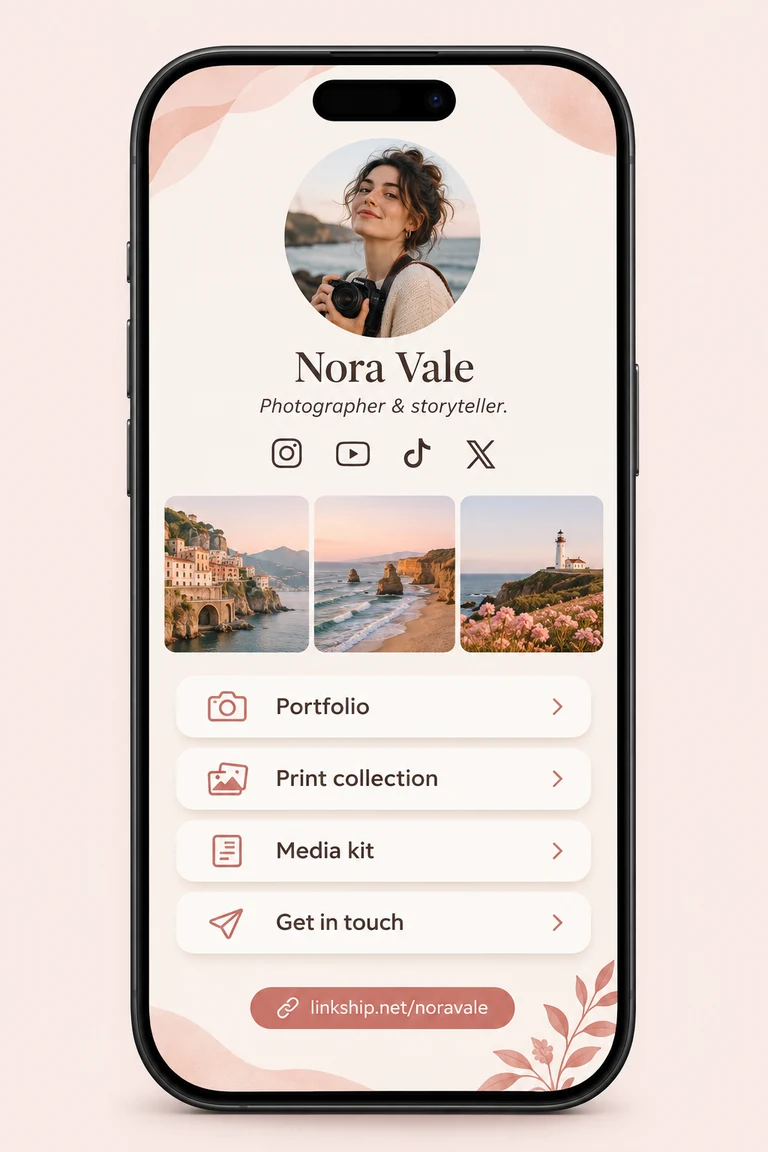
Instagram bio
Showcase your work, shop, and media kit.
Black Friday: 20% off the first year of any yearly plan with code · Ends Dec 1
See plansBring your links, portfolio, and files together on one page. Start from scratch or import your existing bio page by URL.
Preview before you sign in. Sign in to save and publish.
 Maya StoneDesigner & creator
Designer & independent creator
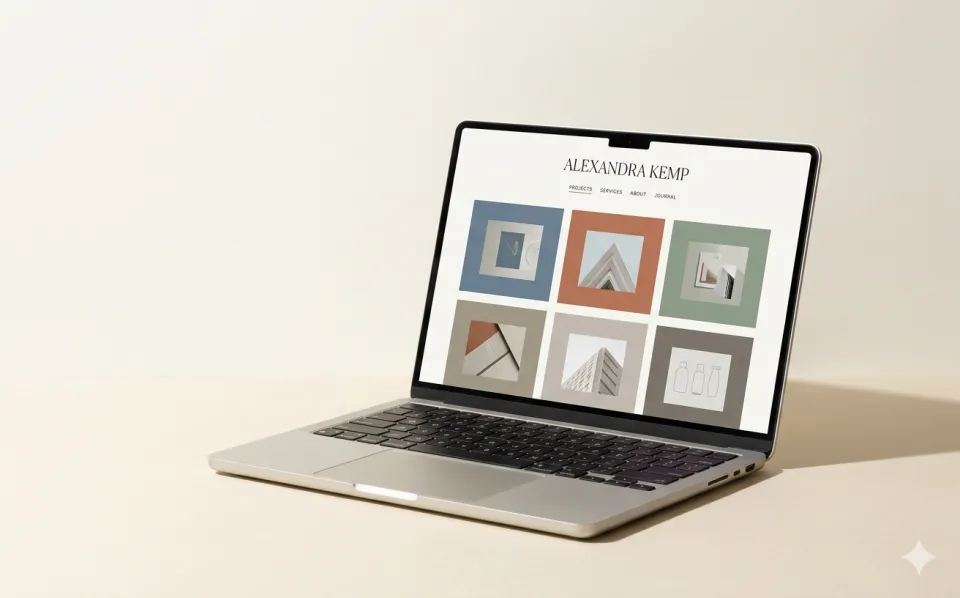
Paste your existing public page URL to create an editable Linkship draft. Review the imported content before anything goes live.
Import a public bio page, or start from scratch if this is your first one.
Check your profile and links, add files, and choose a look for your page.
Sign in, publish your Linkship page, and replace the bio link in your social profiles.
Imports public profile details and links. Review before publishing. Original themes and historical analytics aren’t transferred.
Share your links and files from the profiles your audience already visits.
Showcase your work, shop, and media kit.
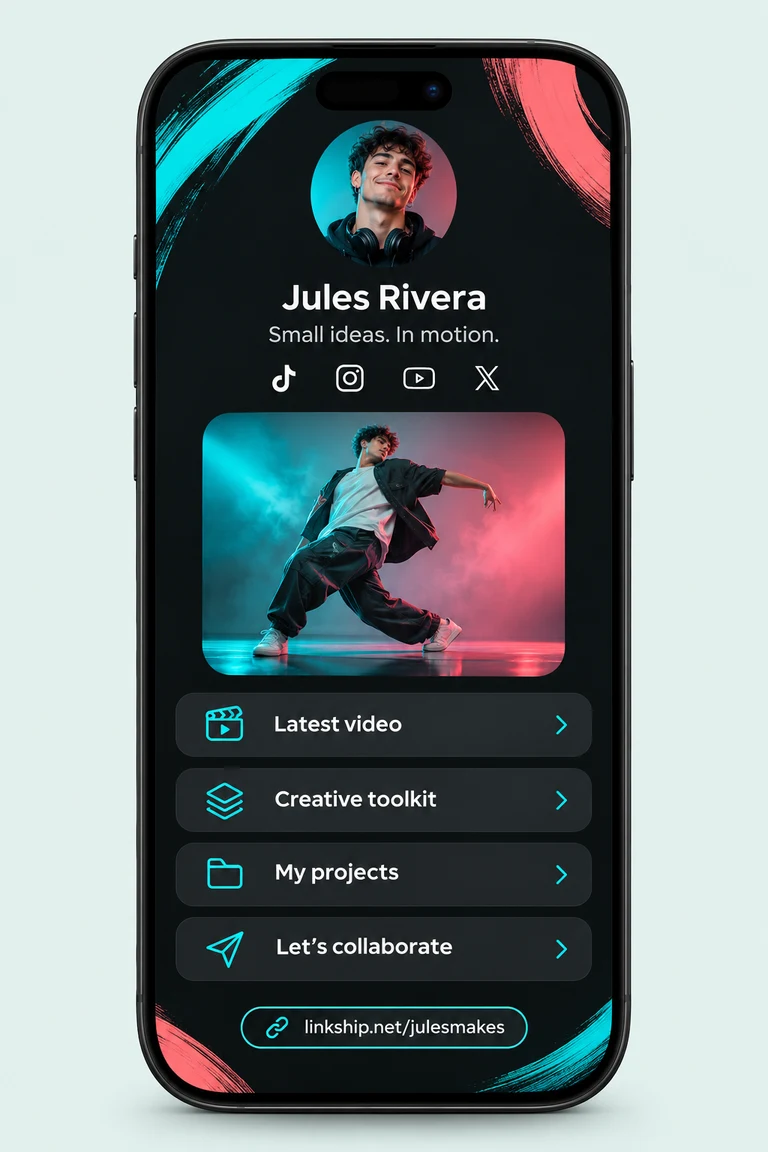
Connect your videos to your work, products, and other profiles.
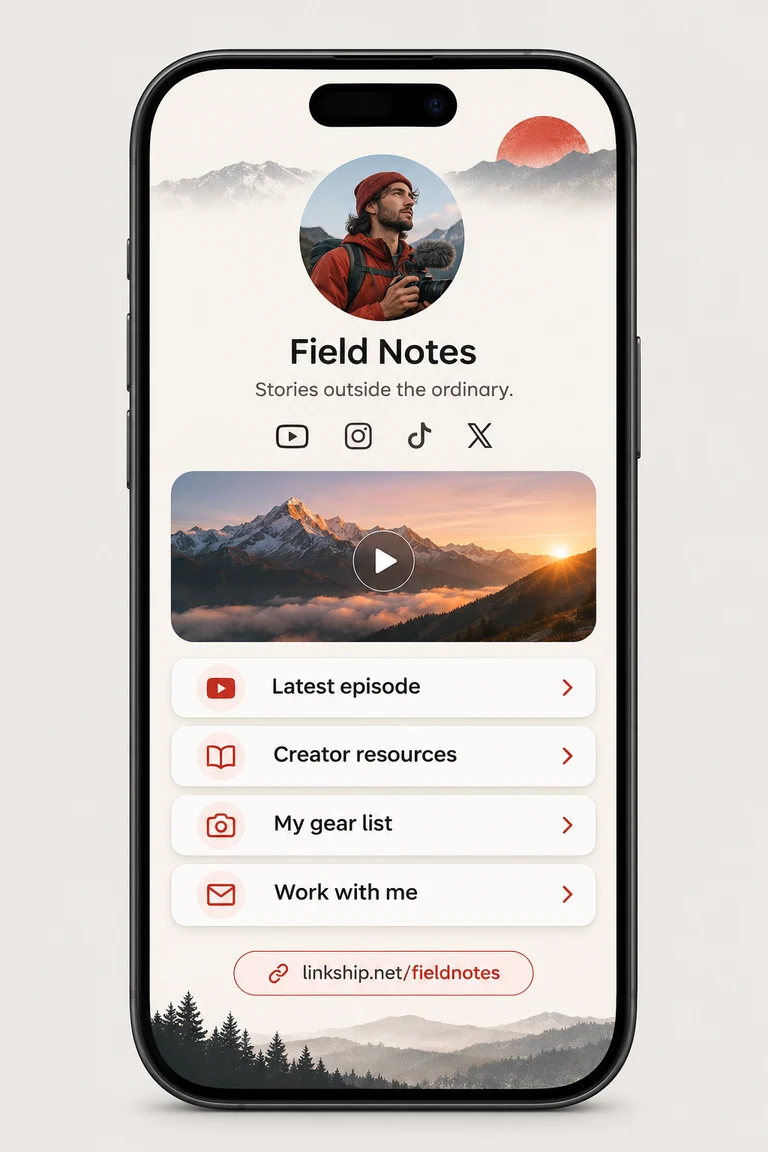
Share resources, downloads, and collaboration links.

Bring your writing, projects, and contact links together.
Platform concepts · Fictional creators and content, for illustration.
Add your portfolio, media kit, audio, and images alongside your links.
Add your work files on paid plans — each new file uses one project. Linking an existing project uses no extra slot.

Compare click activity across the links you share.
Paste its public URL to try an import. Linkship looks for your display name, bio, profile image, and links, then shows an editable preview. Some websites block imports or contain elements we can't read, so check the result before publishing.
No. Import reads publicly accessible content from the URL you provide. It doesn't access your account or content that requires a login. Only import content you own or have permission to reuse.
Your imported content uses a Linkship layout. Original themes, custom code, historical analytics, subscribers, products, and payment settings aren't transferred.
Yes. Add your existing Linkship projects, or upload files on a paid plan with spare project slots. Each new file uses one project. Cards open the original share page; files and historical analytics are not transferred from the imported website.
Importing doesn't change or delete it. After publishing, update your social profiles to use your new Linkship address. Your old URL doesn't automatically redirect to Linkship.
You can create or import a draft and preview it before signing in. Sign in to save and publish your page.
Bring your existing links over or create your first bio page with Linkship.
Preview before you sign in. Sign in to publish.